
the beginning… #
-
The first thing a did was to write me a handy perl-script for converting models from the widely used obj-format into my nff file format. To that time i didn’t know exactly what a scene I should model, but it seems clear that i wanted to use some of these nice Xfrog plants.
-
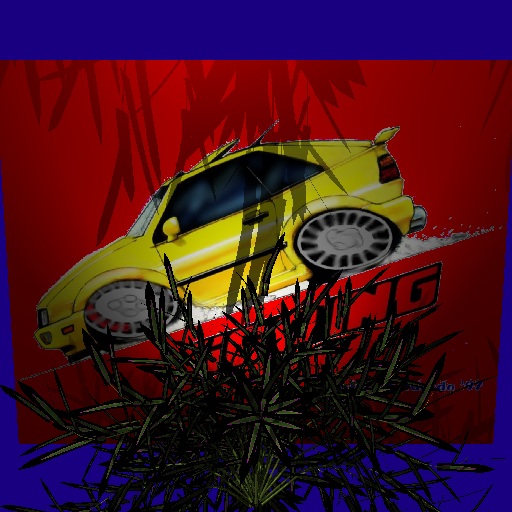
To use transparencies in textures, I implemented routines for reading and writing of png files (png is able to store an alpha channel).
This was my test-image for testing my converter and my textures with alpha-channel:
-
I implemented bump-mapping.
-
I read the book “texturing and modelling - a procedural approach” nearly complete to get firm with the techniques I needed to write my own procedural shaders. The basic stuff in procedural textures are noise- and fractal-functions, so I had to implement them first (the book with its sample code was a great help!).
My “hello-world” procedural-shader was a sky-shader:
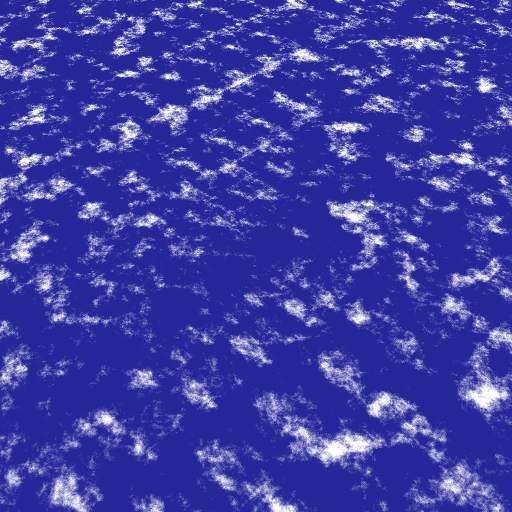
Not bad for the first one, but still heavy aliased….
- My next shader was a water-shader (here still without reflections):
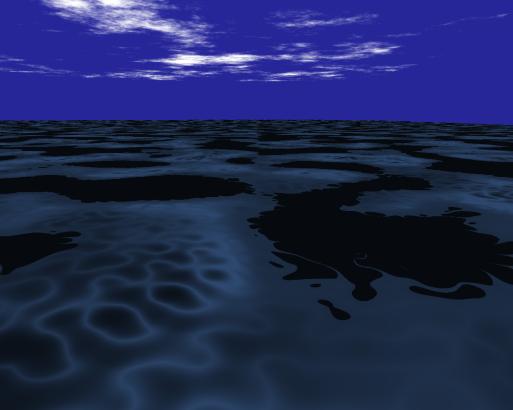
- Now, I had to face the biggest problem: I hadn’t any modelling-experience before this computergraphics course, so it would be very hard for me to make some cool models on my own (in other words: inpossible, because time isn’t unlimited).
So I decided to use fractals to generate a terrain. At this point, I got for the first time a plan how my ready image should look like: an island with tropical plants and all around water.
I coded a tool which i called “terragen”, that generated a fractal terrain und saves it as (a lot of :-) rectangles in an nff-file. The tool was relatively easy write. The main difficulty lied in tweaking and playing around with the parameters for the generation function to get something out that looked like a real terrain.
This was my first pic I rendered with terrain-data generated from my tool:
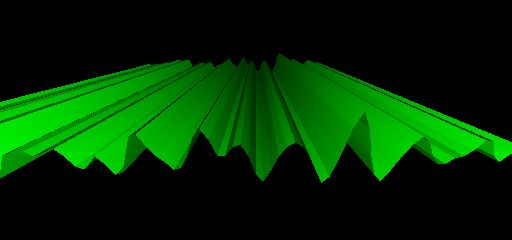
Looks funny, but not like a terrain. :-)
- In “texturing and modelling - a procedural approach” are three functions shown which one can use to generate a fractal landscape. But there is realy nothing said how these functions must supplied with what arguments to get a cool landscape. So I had to find it out on myself…
My second try:
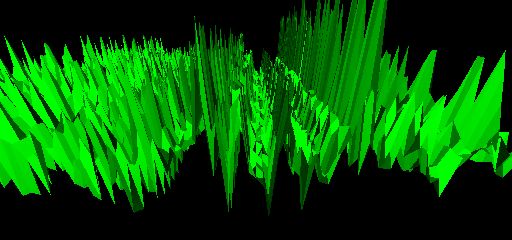
Still not what i wanted…
You’ll find a lot of pics of this phase in my “gallery of funny pics”.
Several days later:
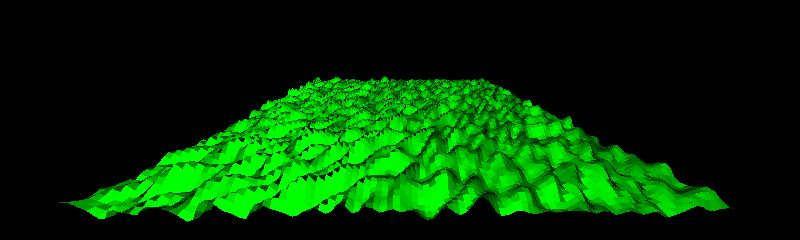
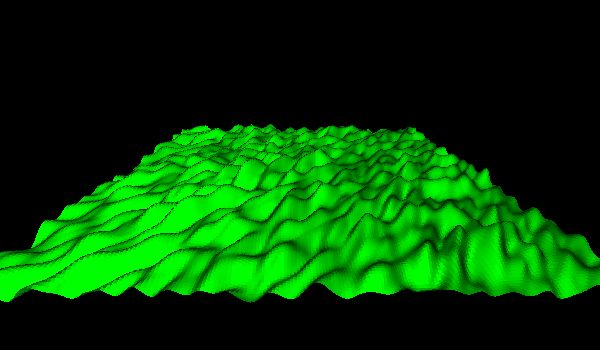
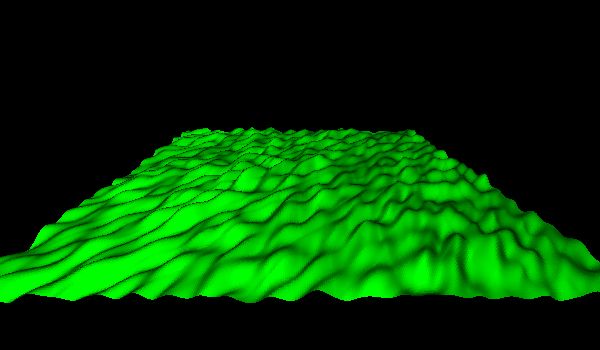
- On the above pic, you can see that my terrain had to be much more finer to look realistic. So I changed my tool the get the squares fine enough to look smooth. Now I can adjust how fine I want my terrain. This are two pics of the same input parameters, only the resolution of the altitude grid differs:
- The first island:
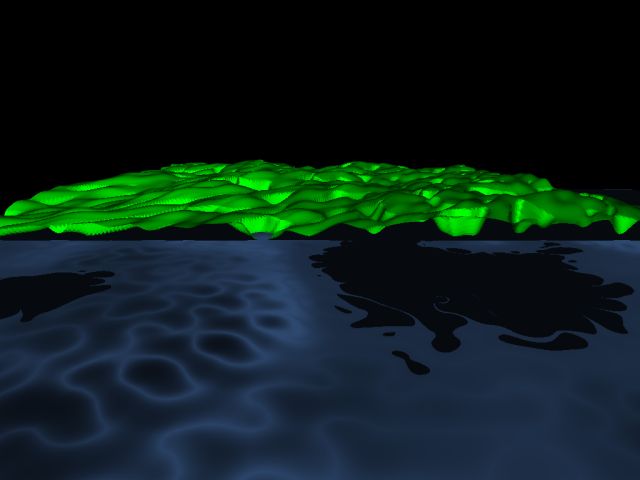
The terrain looks good, but the coastline is still missing.
- Now, I changed terragen to add a costline:
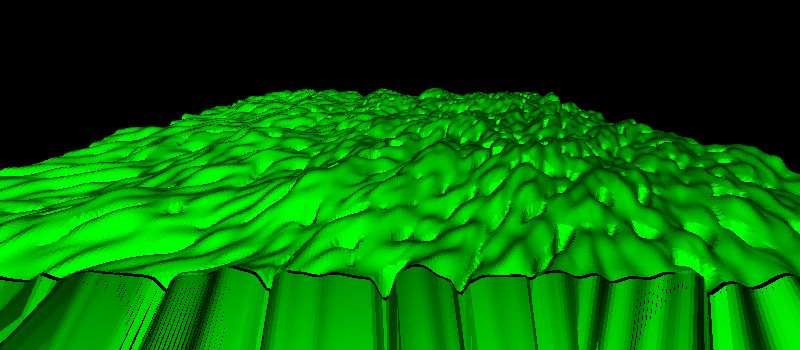
Nice, but the coast is still too flat. I added some noise to the x and z coordinates of the coastline.
- Several days and cups of coffee later…
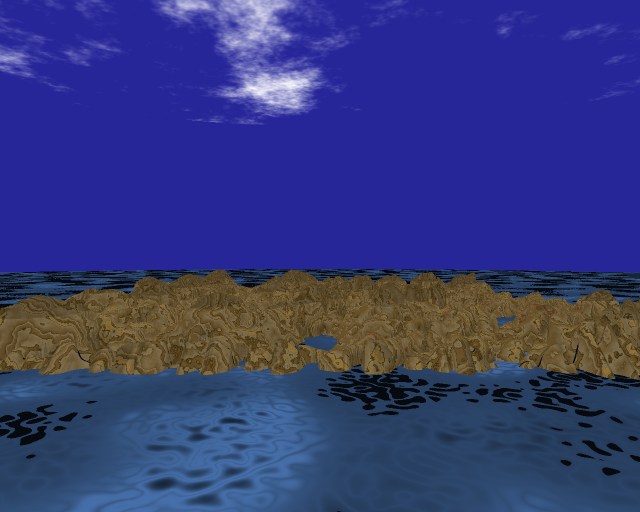
- Now, I had a cool landscape. But an island without plants isn’t very cool… so I went on to code some automatic plant positioning into terragen. I give it a value for the sealevel, and it places me plants pseudo-randomly (as long as i don’t change the seed, random () will give terragen the same values every time) above the sea. Looks easy? In theory, yes.
But in practice, it took me a lot of time to get it working the right way and looking good. I also implemented a pseudo-random scaling of the height of the plants because it looked very boring to see 10 trees in a line with exactly the same heigth.
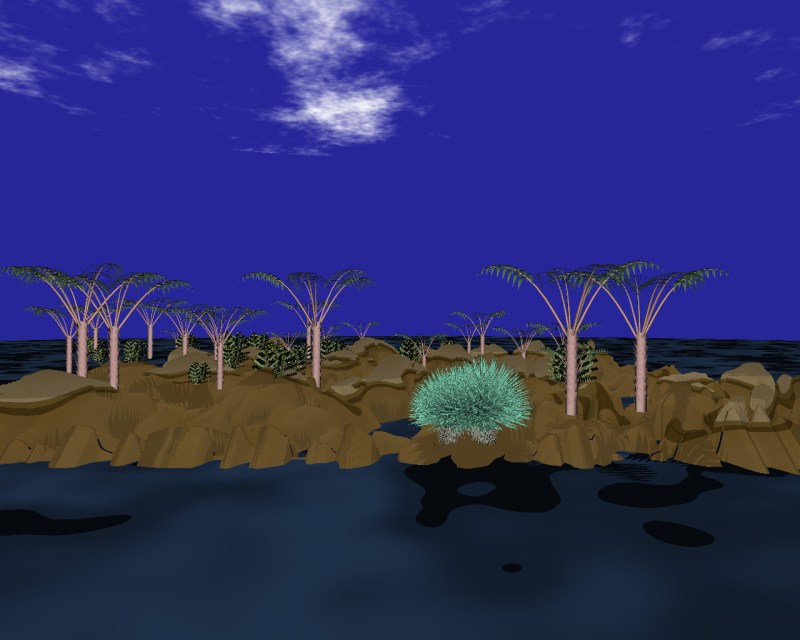
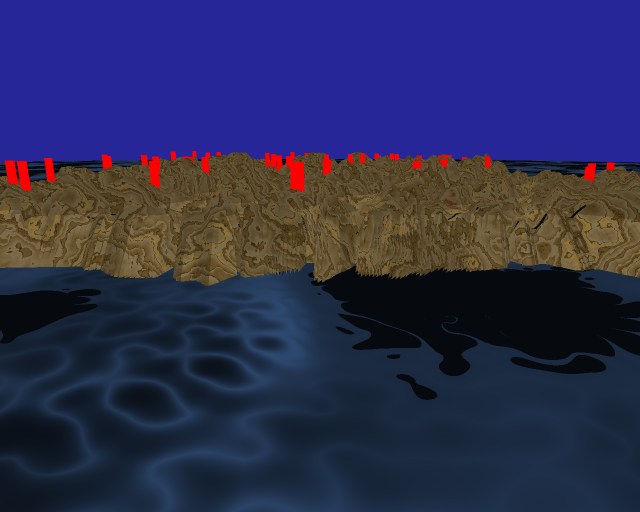
Plants on the sea or in the air aren’t looking cool…
But finally, I got the right positions: :-)
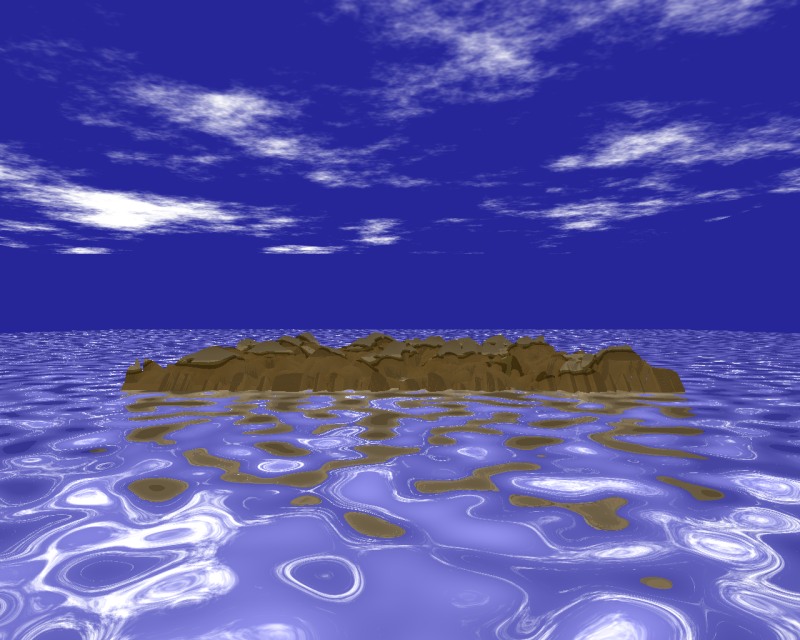
- You can have an excelent procedural shader, but with the wrong parameters, your result will look bad. I moved on to tweak my water. The first thing I added was reflectivity, because in nature, the water gets his color from the reflections.
I further enhanced the original fBm (“fractional Browning motion”) function from the book with renderman style anti-aliasing. For this, I had to implement some functions I found in renderman like filterwidthp.
Now, the water looks ways better:
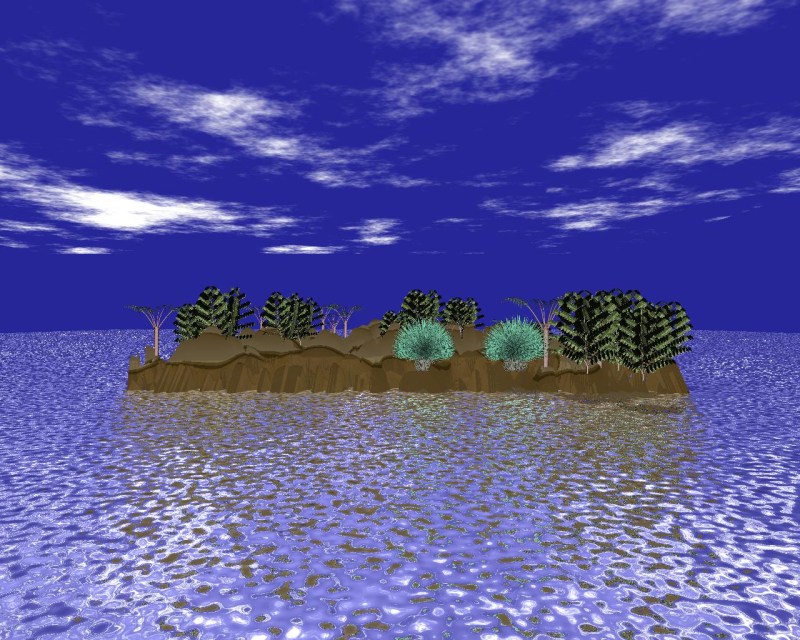
- I made the ripples smaller to get it more realistic:
- I also played around with the parameters of my rock shader.
This version looks pretty cool, but unfortunatelly, it isn’t realistic.
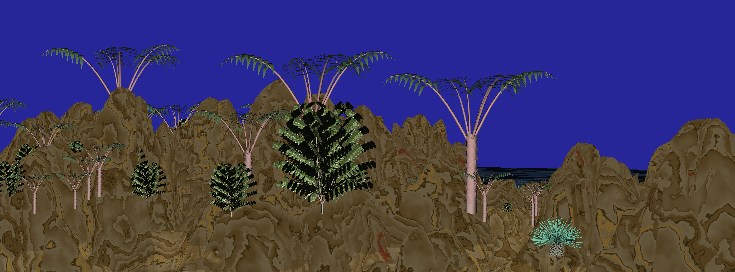
Not bad, but looks somewhat noisy…
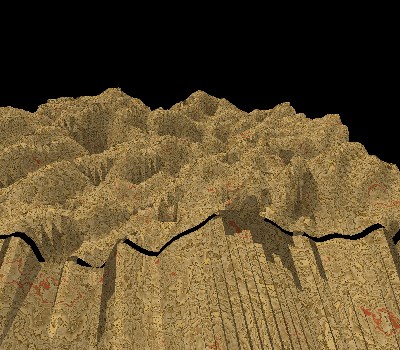
Finally, I chose this one. It looks like some sedimentary slick rock:
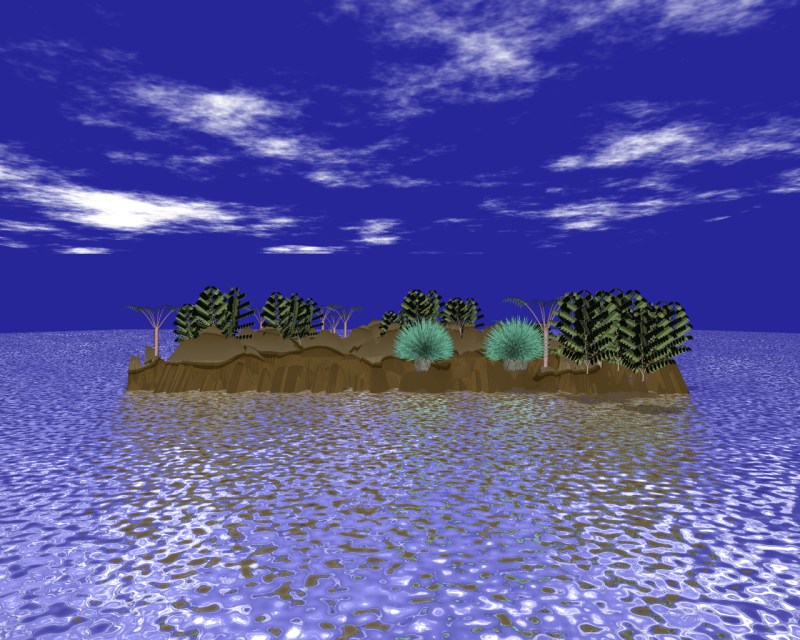
- Some people mean that the green tree (a hawaiian coffee plant!) looks like a christmas tree… so I tweaked the parameters in terragen to make the palms higher and reduced the amount and size of the coffee plants:
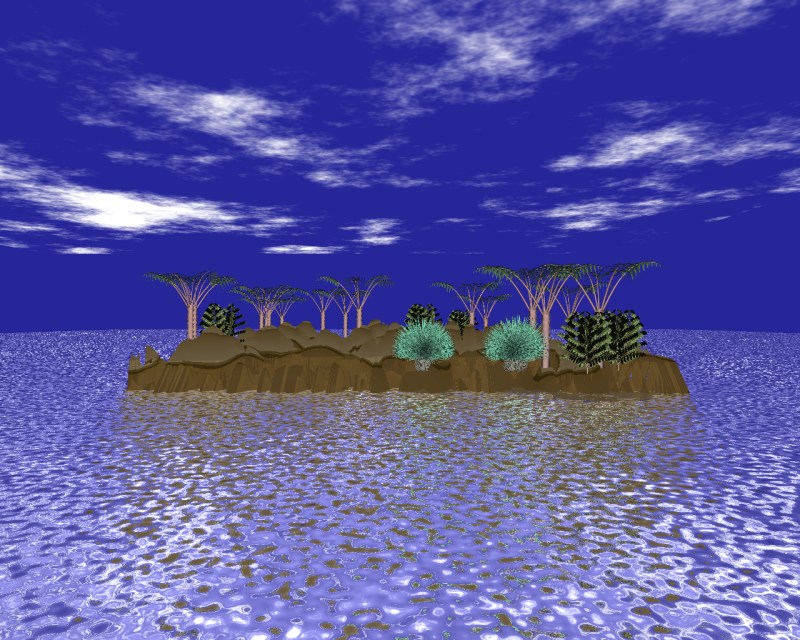
and now… the final image! #

click on the image to get the full-res version!
It took 41 minutes to render it on a 1.8 GHz Xeon (with 16 times supersampling)
Dominik Gummel
Last modified: Thu Jan 16 00:22:22 CET 2003
Per E-Mail antworten